Input
- Guidelines
- Implementation
Input Field
Được sử dụng để nhập, gửi dữ liệu, vì vậy phải ngắn gọn và rõ ràng
Anatomy
Core elements (Required)
Luôn xuất hiện trong một input field

- Background
- Border
- Primary text
Types
Sử dụng các loại input field khác nhau để đáp ứng nhu cầu nhập nội dung khác nhau
Text Field
Để nhập nội dung đơn giản, trong 1 dòng

Password Field
Để nhập mật khẩu

Text Area
Để nhập nội dung dài

Search Field
Để nhập nội dung tìm kiếm, trong 1 dòng

Interaction
- Touch vào trigger action nhập text
OTP Field
Dùng để nhập OTP. Highlight từng số khi nhập

States
Enabled
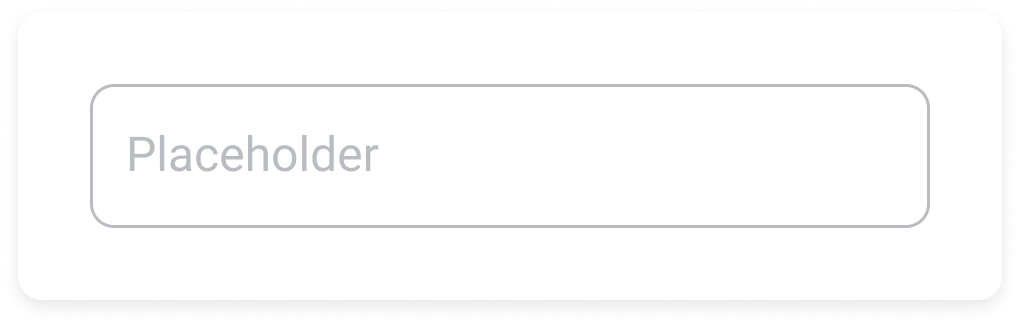
Focus
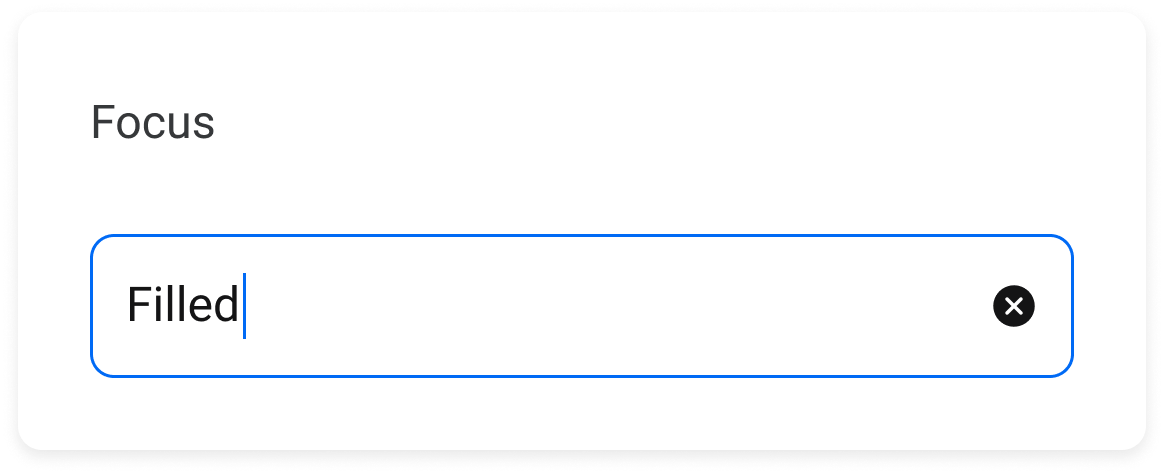
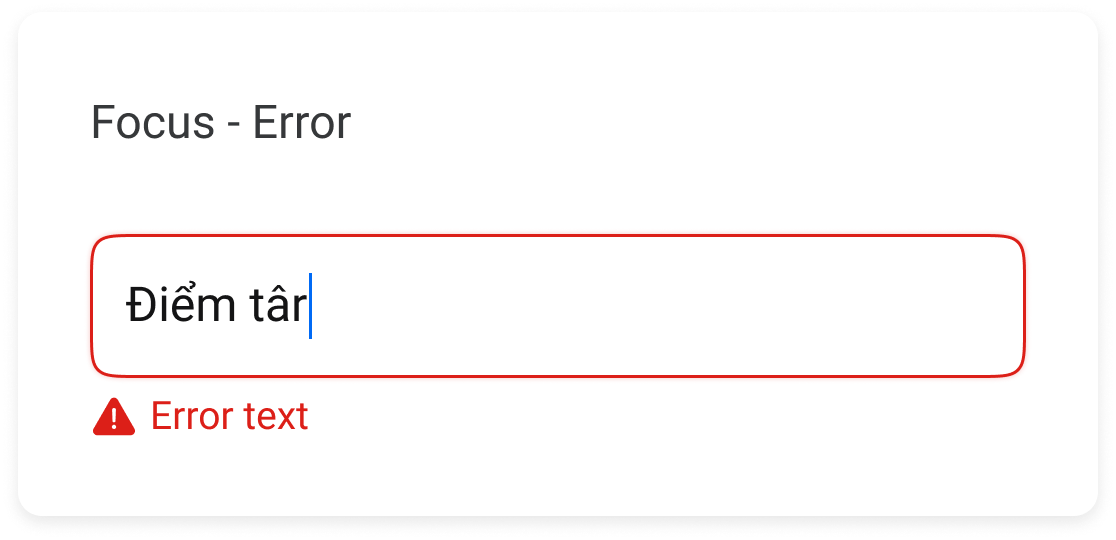
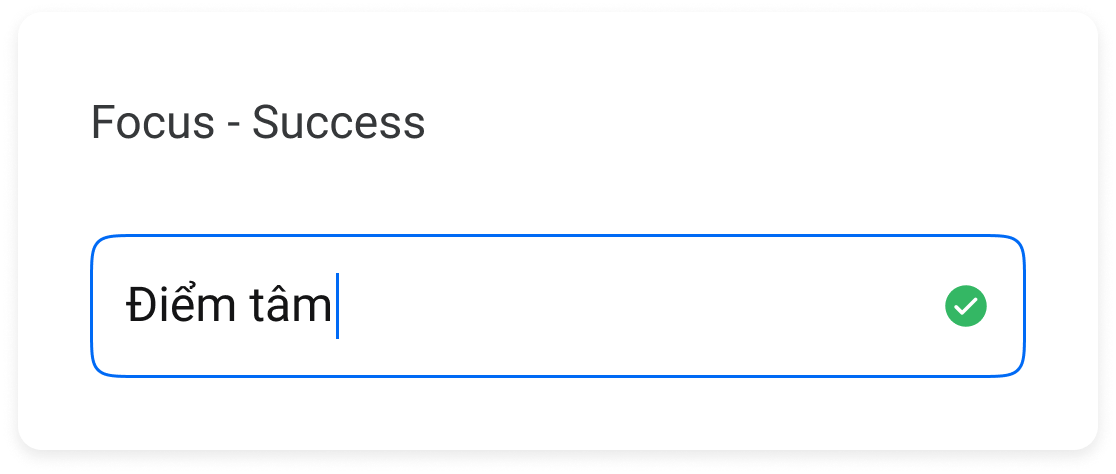
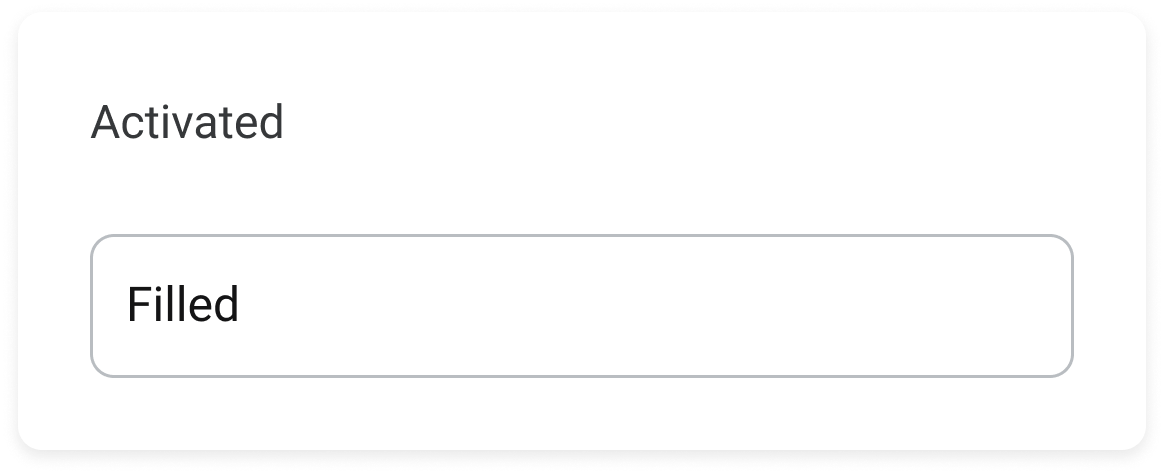
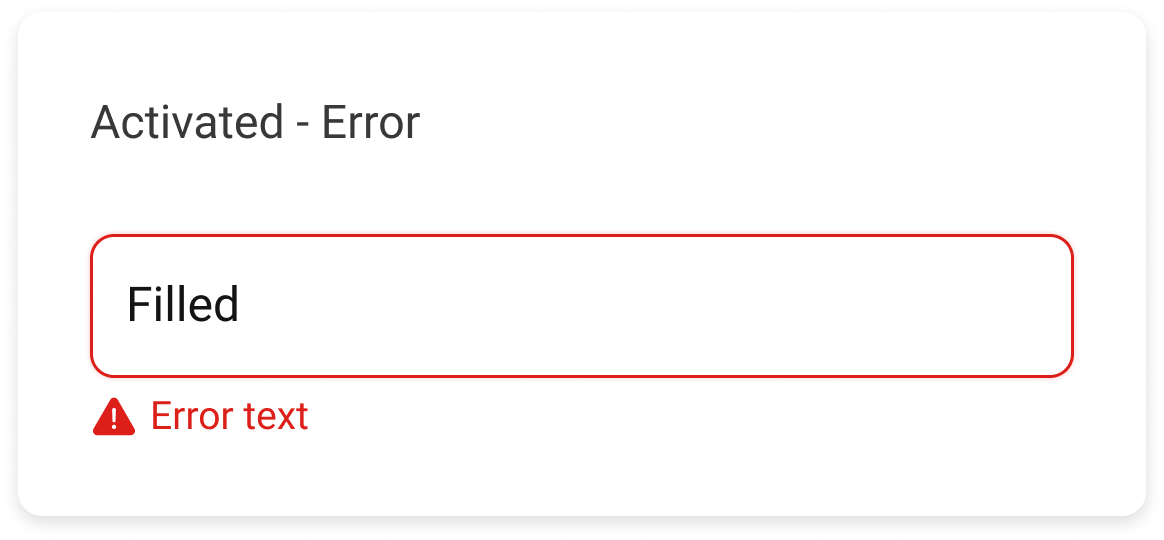
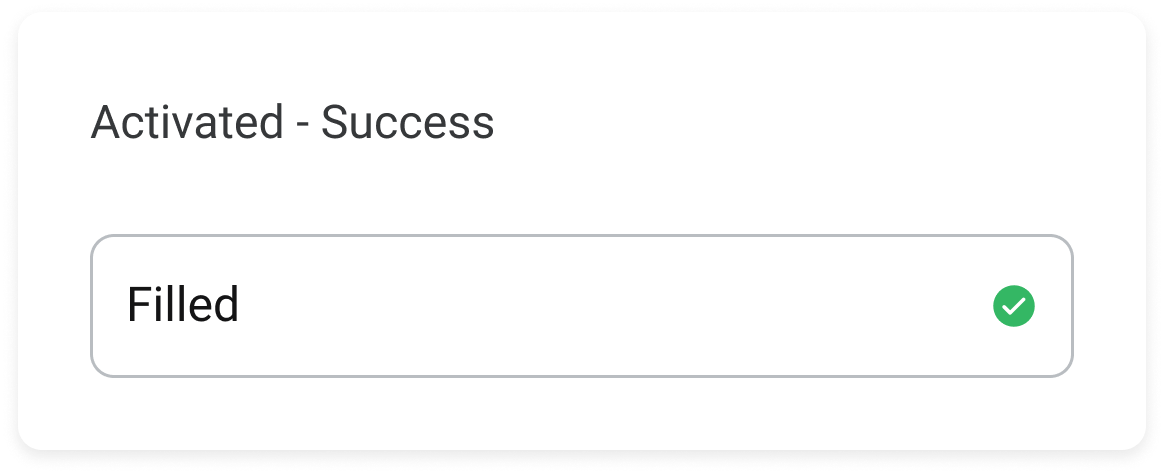
Activated
Disabled
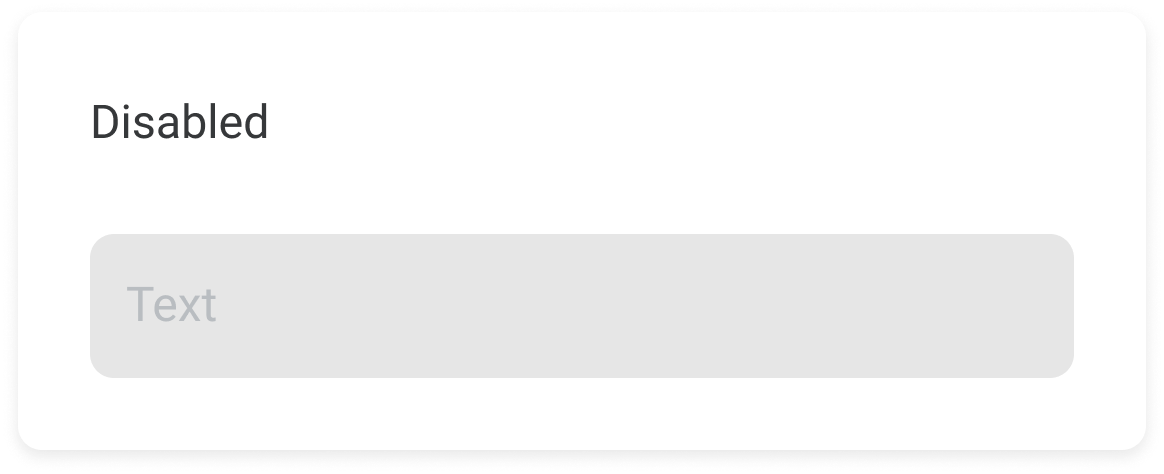
Không hiển thị:
- Clear icon
- Helper text
- Required label
Tạo giao diện ô nhập liệu cho phép người dùng nhập văn bản và lấy dữ liệu
Properties
Input
Input.Password
Hỗ trợ tất cả các props của component Input và:
import React from "react";
import { Page, Input } from "zmp-ui";

export default function HomePage(props) {
  return (


  );
}
Input.Search
Hỗ trợ tất cả các props của component Input và:
import React from "react";
import { Page, Input } from "zmp-ui";

export default function HomePage(props) {
  return (

      <Input.Search
        label="Label"
        helperText="Helper text"
        loading
        onSearch={(text) => console.log(text)}
      />

  );
}
Input.TextArea
Hỗ trợ tất cả các props của component Input và:
import React from "react";
import { Page, Input } from "zmp-ui";

export default function HomePage(props) {
  return (


  );
}
Input.OTP
Hỗ trợ tất cả các props của component Input và:
import React from "react";
import { Page, Input } from "zmp-ui";

export default function HomePage(props) {
  return (


  );
}
Example
import React from "react";
import { Page, Box, Text, Input, Select, DatePicker, Button } from "zmp-ui";
const { Option, OtpGroup } = Select;

export default function HomePage(props) {
  const inputPasswordRef = React.useRef(null);
  return (
    <>


        Text Field</Text.Title>
        <Box mt={2}>
          <Text size="xSmall" className="input-desc">
            Để nhập nội dung đơn giản trong 1 dòng

        </Box>


        Password Field</Text.Title>
        <Box mt={2}>
          <Text size="xSmall" className="input-desc">
            Để nhập mật khẩu

        </Box>


        Select Field</Text.Title>
        <Box mt={2}>
          <Text size="xSmall" className="input-desc">
            Để chọn trong các nội dung có sẵn.

        </Box>

          <Text size="xSmall" className="input-desc input-interaction">
            Interaction
          </Text>


          <Text size="xSmall" className="input-desc">
            Bấm chỗ nào cũng trigger chung 1 action, ko cho nhập text
          </Text>


          <Select
            label="Label"
            helperText="Helper text"
            placeholder="Placeholder"
            clearable
            defaultValue="1"
          >
            <OtpGroup label="Group 1">


            </OtpGroup>
            <OtpGroup label="Group 2">


            </OtpGroup>
          </Select>


          <Select
            placeholder="Placeholder"
            clearable
            multiple
            defaultValue={["1"]}
          >


          </Select>


        Search Field</Text.Title>
        <Box mt={2}>
          <Text size="xSmall" className="input-desc">
            Để nhập nội dung tìm kiếm trong 1 dòng

        </Box>

          <Input.Search
            label="Label"
            helperText="Helper text"
            placeholder="Placeholder"
            defaultValue="Filled"
            clearable
            onSearch={(value) => {
              console.log(value);
            }}
          />


          <Input.Search
            placeholder="Placeholder"
            size="small"
            onSearch={(value) => {
              console.log(value);
            }}
          />


        DatePicker Field</Text.Title>
        <Box mt={2}>
          <Text size="xSmall" className="input-desc">
            Để chọn nội dung ngày/tháng/năm{" "}


            Bấm chỗ nào cũng trigger chung 1 action, ko cho nhập text

        </Box>


        OTP Field</Text.Title>
        <Box mt={2}>
          <Text size="xSmall" className="input-desc">
            Để nhập OTP. Highlight từng số do string ngắn và mỗi character thì
            quan trọng


            Interaction

          <ul className="input-list-desc">
            <li>

                Bấm xoá: nghĩa là user muốn xoá kí tự được nhập gần nhất

            </li>
            <li>

                Nếu ô đó đã filled, thì chuyển về empty

            </li>
            <li>

                Nếu ô đó empty thì xoá ô trước

            </li>
            <li>

                Không cho chọn từng ô riêng biệt

            </li>
            <li>

                {" "}
                Nếu tất cả ô đều empty thì khi user activate field, focus vào ô empty
                đầu tiên

            </li>
            <li>

                {" "}
                Nếu đã có ít nhất 1 ô đã filled thì khi user activate field, focus
                vào ô filled cuối cùng

            </li>
          </ul>
        </Box>


          <Button
            variant="secondary"
            size="small"
            onClick={() => inputPasswordRef.current.focus()}
          >
            Focus
          </Button>


        TextArea Field</Text.Title>
        <Box mt={2}>
          <Text size="xSmall" className="input-desc">
            Để nhập nội dung nhiều

        </Box>


    </>
  );
}